legal-letters5 min readSeptember 1, 2026👁 316 views
Affidavit Online: How to Create a Clear Sworn Statement
Need to file an affidavit online? Learn how to create a clear sworn statement with this guide. We break down the process of making sure your documentation is accurate and legally sound.
Need this document right now?
Skip to our generator • Live PDF preview • Instant download
Quick answer The reader needs to create or understand how to file a formal sworn statement (affidavit). They are looking for practical guidance on the process and requirements to ensure their document is valid and accepted by the relevant authority.
This guide is general educational information for everyday document users, small business owners, landlords, contractors, and families. It is not legal, tax, or financial advice.
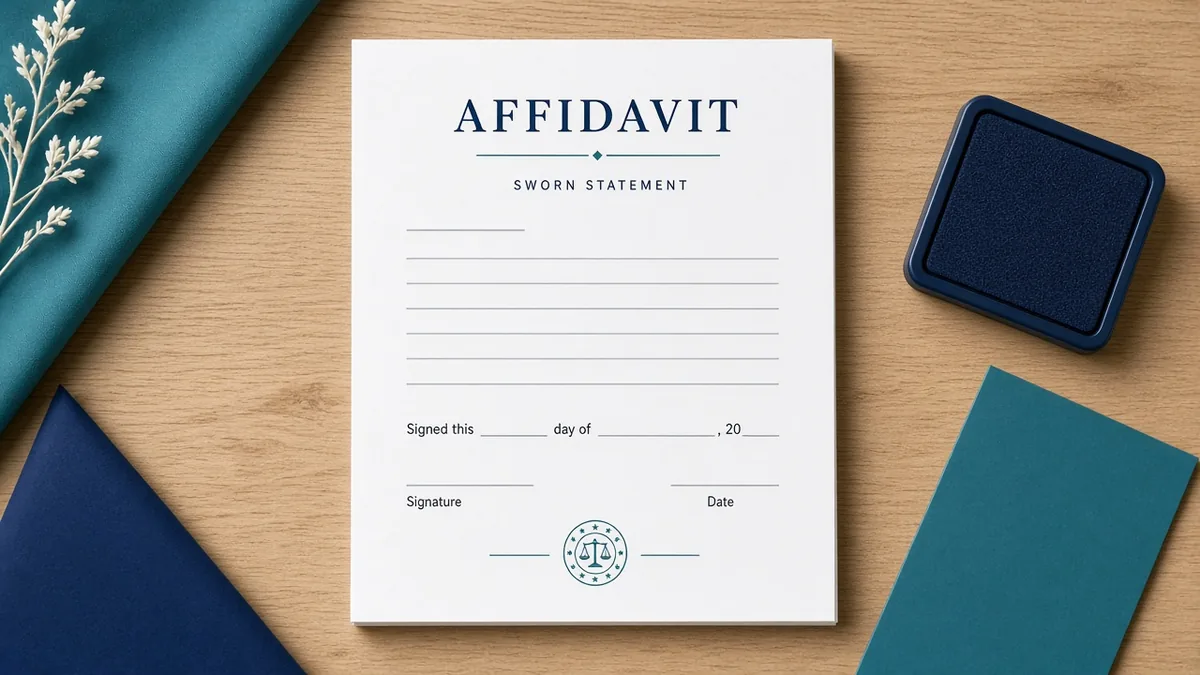
Why this document matters An affidavit is a written statement of facts that is voluntarily signed and often notarized. It serves as evidence in legal proceedings or administrative matters. To create one, you must accurately record all details, including who witnessed the signing and what specific information was sworn to. Clarity and precision are crucial for the document's validity.
What to prepare before you start - Gather all necessary identifying information (names, dates, locations). - Draft a clear narrative, stating only facts you personally know to be true. - Review the draft thoroughly for grammatical errors or inconsistencies. - Have the affidavit signed in the presence of a notary public or authorized witness. - Ensure all required legal forms and supporting documents are attached.
Common mistakes to avoid - Mixing personal opinions with verifiable facts (affidavits must be factual). - Failing to have the document notarized by an authorized official. - Using vague language or making generalizations instead of specifics. - Submitting outdated or incomplete versions of the required forms.
Practical example For instance, if you are providing evidence about a property transaction, your affidavit should state: 'On or around May 15, 2023, I personally observed Mr. Smith handing keys to Ms. Jones at the main entrance.' This specific detail is much stronger than stating, 'I saw something happen that day.'
How iRunDocs fits into the workflow iRunDocs helps you move from scattered notes to a finished affidavit PDF. Start with the key facts, use the guided generator, review the preview carefully, and download the final document for your records. If the situation is complex, state-specific, or high-value, use the generated document as a clean starting point and get qualified professional review before relying on it.
Final review checklist - Check spelling on every name and business name. - Confirm dates, amounts, addresses, and deadlines. - Make sure the document title matches the actual situation. - Save the final PDF before sending it. - Keep proof of signature, delivery, payment, or acceptance when it matters.
FAQs ### Is an affidavit the same as a declaration? While similar, affidavits typically require notarization to verify the identity of the signer and confirm the oath was taken. Declarations may have different legal requirements depending on your jurisdiction.
Can I write an affidavit by myself? You can draft the content yourself, but it must be signed and sworn to before a notary public or other authorized official for it to hold legal weight. The official validates the document's authenticity.
What if I need to correct information after signing? If an error is made, the best practice is not to simply cross it out. Instead, you should usually execute a formal affidavit amendment or correction statement signed and notarized.
Bottom line The strongest document is not the one with the most legal-sounding words. It is the one that captures the facts clearly, gives both sides a reliable reference point, and can be found later when it matters. For affidavit online, the best move is to prepare the facts first, generate the PDF carefully, and review before sending or signing.
Create an affidavit next
affidavit onlineaffidavit generatoraffidavit formcreate affidavit online
Need a legal-letters Document?
Create professional documents in under 5 minutes with iRunDocs.
Create an Affidavit →